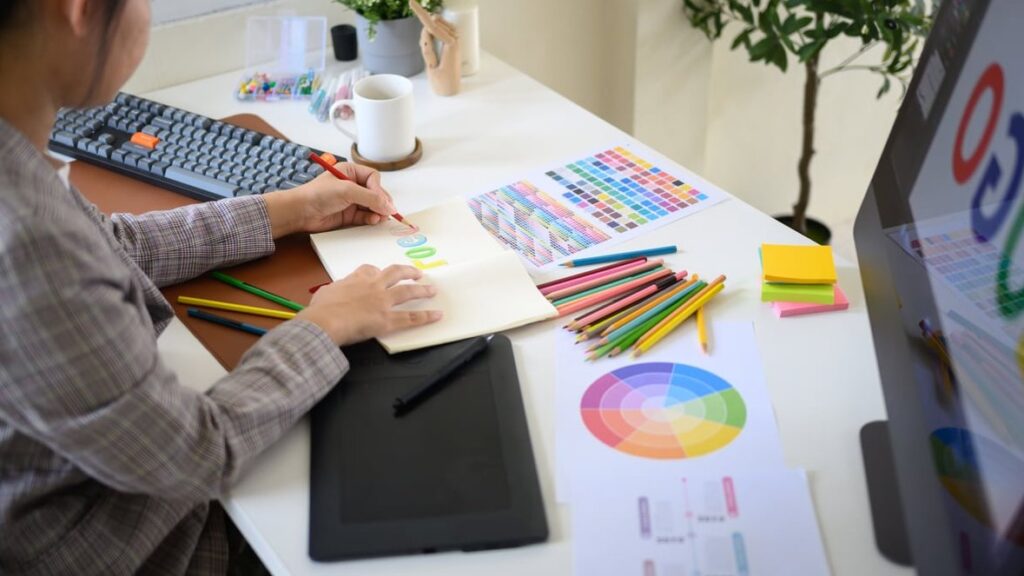
Hiring a logo designer is an exciting step for any business, but the quality of the final result depends heavily on what you provide before the first sketch is drawn. Most delays, revisions and budget overruns come from one thing: an unprepared client. If you want a smooth process and a logo that truly represents your brand, this guide will show you exactly how to prepare files for a logo designer before the project kicks off.
At dric.be, we’ve worked with hundreds of business owners, and we can tell you honestly: clients who come prepared save both time and money. Let’s walk through the complete checklist.
Why Preparation Matters Before Contacting a Logo Designer
A logo isn’t just a pretty picture. It’s a strategic asset that carries the identity of your company. When you send incomplete or unclear information to a designer, three things happen:
- The project takes longer because of back-and-forth clarifications
- You pay more in extra revision rounds
- The final logo may not match your real vision
Preparing your files and briefing materials in advance solves all of this. Here is the exact process we recommend.
The 7 Essential Things to Prepare Before Starting a Logo Project
1. A Clear Written Brief
Before opening any design tool, your designer needs to understand your business. Write a short document (1 to 2 pages is enough) that includes:
- Your company name and exact spelling (with or without capital letters, spaces, punctuation)
- Your tagline or slogan, if you have one
- A short description of your activity and what you sell
- Your target audience (age, gender, interests, income level, region)
- Your values and personality (modern, traditional, luxurious, playful, technical)
- Your main competitors and how you want to differ from them
2. Visual References You Like (and Dislike)
Designers are visual people. Words like “modern” or “clean” mean different things to different people. Gather:
- 5 to 10 logos you like (from any industry) with a short note explaining why
- 3 to 5 logos you dislike with the reasons why
- A mood board with colors, fonts, textures, or images that reflect your brand’s feel
Tools like Pinterest, Milanote or even a simple PDF work perfectly for this.
3. Existing Brand Assets (If Any)
If you already have any branding elements, send them from the start. This includes:
- Your current logo (in the highest quality version you own)
- Any previous logo drafts or attempts
- Business cards, brochures, packaging, or website screenshots
- Photos of your storefront, products or team
Even if you want a complete redesign, this context helps the designer understand where you’re coming from.
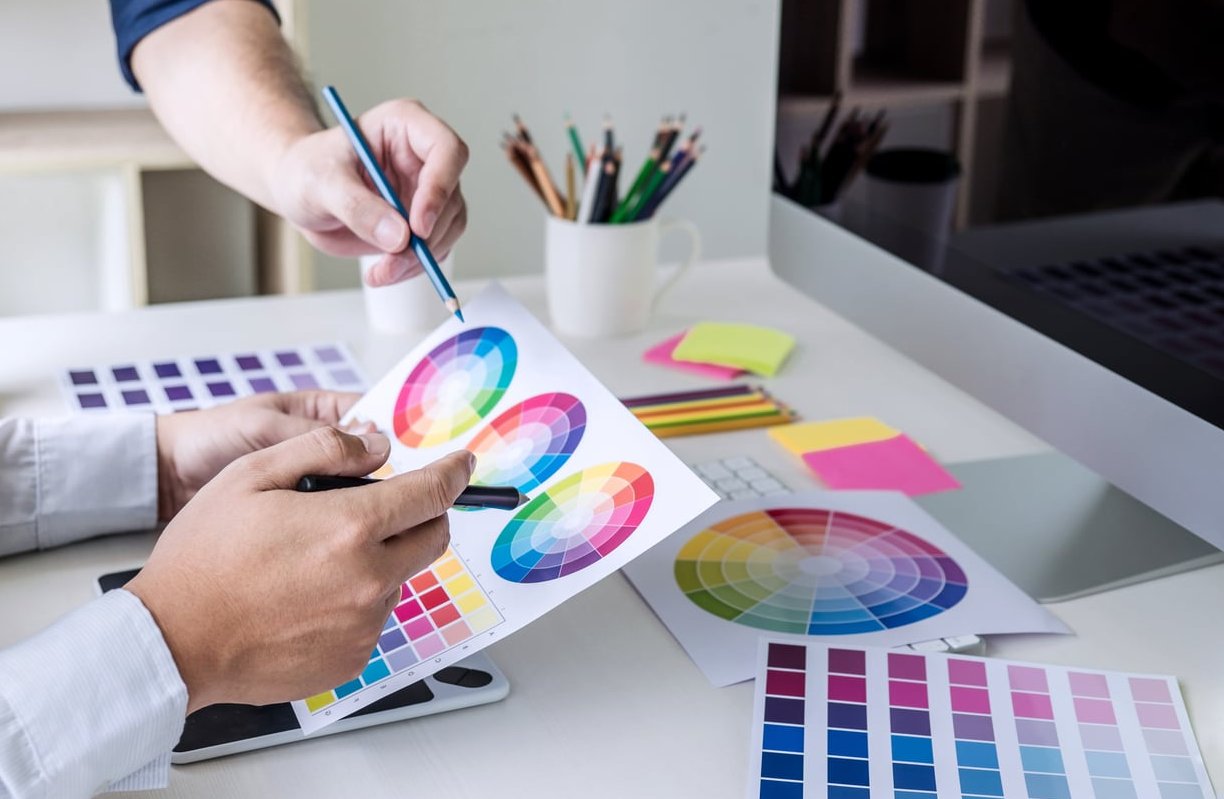
4. Color Preferences
If you already have brand colors, share them in the most precise format possible:
| Format | Use Case | Example |
|---|---|---|
| HEX | Web and digital | #1A73E8 |
| RGB | Screens | 26, 115, 232 |
| CMYK | 89, 50, 0, 9 | |
| Pantone | Premium print, textile | PMS 2727 C |
If you don’t have specific colors yet, that’s fine, just tell your designer what emotions or industries the colors should evoke.
5. Typography Preferences
If your business already uses specific fonts, or if you have font preferences, mention them. Note whether you prefer:
- Serif (traditional, editorial, trustworthy)
- Sans-serif (modern, clean, tech-oriented)
- Script or handwritten (creative, personal, luxury)
- Display or custom (bold, unique, memorable)
6. Where the Logo Will Be Used
Your designer needs to know every context in which the logo will appear. This impacts the design choices heavily. Make a list including:
- Website and social media profiles
- Business cards and stationery
- Vehicle wraps or storefront signage
- T-shirts or embroidered uniforms
- Product packaging
- Video intros or presentations
- Favicon and app icons
A logo used on a truck needs different proportions than one used in a favicon. The more usage cases you provide, the better the deliverables will fit your needs.
7. Practical Project Information
Finally, don’t forget the practical side:
- Your deadline (be realistic, quality work takes time)
- Your budget range
- Who has final decision power in your company (avoid design by committee)
- Your preferred communication channel (email, Slack, video calls)
The File Formats You Should Ask For at the End
While this article is about what YOU prepare, it’s useful to know what to request in return. A professional logo package should always include:
| File Type | Purpose |
|---|---|
| AI or SVG | Vector master file, infinitely scalable |
| EPS | Print production and legacy software |
| Sharing and printing | |
| PNG (transparent) | Web, social media, presentations |
| JPG | Quick sharing, documents |
Also request variations: full color, black only, white only, horizontal layout, vertical layout, and a simplified icon version.
Quick Checklist to Copy Before Your First Meeting
- Written brief with company info, audience and values
- 5 to 10 logos you like + 3 to 5 you dislike
- Existing brand assets and old materials
- Color preferences (HEX, RGB, CMYK, Pantone)
- Typography style preferences
- List of every usage context
- Deadline, budget, and decision maker identified
What Makes dric.be Different
Unlike many agencies that hand you a form and disappear until delivery, we guide you through the entire preparation phase. We provide a ready-to-fill briefing template and a short discovery call before quoting, so nothing is left to guessing. That’s how we deliver logos that clients actually love from the first round.
FAQ: Preparing Files for a Logo Designer
Do I need to have a design idea before contacting a designer?
No. In fact, coming with a rigid idea can limit the designer’s creativity. What matters is that you communicate your brand’s personality, audience and goals clearly. Let the designer translate that into visuals.
What if I don’t have any existing brand assets?
That’s perfectly fine, especially for new businesses. Just be clear about it and provide references and mood boards instead. A blank slate is often easier to work with than a messy history.
How many logo references should I share?
Between 5 and 10 is ideal. Fewer than that makes it hard to identify patterns, more than that creates confusion. Always explain why you like each one.
Should I write my brief in a Word document or a PDF?
Either works. A shared Google Doc is even better because it allows the designer to add comments and questions directly. Avoid sending information scattered across multiple emails.
Can I change my mind after the project starts?
Small adjustments are normal and expected. However, major changes in direction (new target audience, new company name, new industry) usually mean starting over and paying for a new project. That’s why preparation upfront is so important.
How long does a professional logo project take?
With a well-prepared brief, most logo projects take between 2 and 4 weeks. Without preparation, the same project can drag on for 2 or 3 months.
Ready to Start Your Logo Project?
Preparation is the difference between a stressful design experience and a smooth, exciting one. If you follow the checklist above, your designer will thank you, your budget will thank you, and most importantly your future logo will thank you.
Need help creating a logo that truly represents your brand? Contact the dric.be team and let’s start your project on solid foundations.